Auto Switch
Connect the Galaxy Buds to your notebook and smartphone and switch between devices seamlessly. Do you get a call while watching a video on the Galaxy Book? Then you can immediately switch to the conversation on the smartphone.

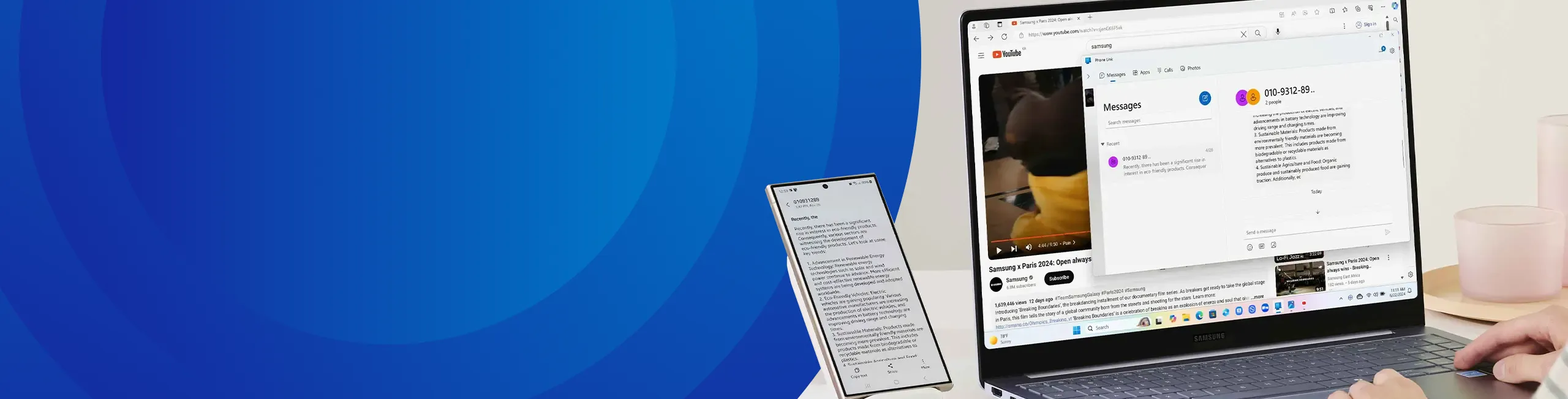

Samsung products are found in virtually every household and workplace: from refrigerators to monitors, and smartphones to notebooks. When your customer uses two or more devices, they can take advantage of seamless integration through the Samsung ecosystem. Start warming up your home while still on the go, share files between a smartphone and a notebook, or use a tablet as a second screen during a call—it’s all possible. The Samsung ecosystem is the perfect way to showcase the benefits of Samsung devices to your customers, and it opens up fantastic upsell opportunities.
Curious about what the ecosystem can offer? Read on to find out more.**
We’ve all been there: needing notes or photos from your smartphone on your laptop for a presentation, only to find yourself emailing them to yourself. Or needing a URL on your tablet that’s only available on your notebook. These small frustrations can waste end-users’ time. Samsung has the ideal solution.
With Samsung’s smart apps, such as SmartThings, Quick Share, and Multi Control, you can quickly and wirelessly connect different devices. Pair this with Phone Link on Windows 11, and you have a complete business solution for Samsung Galaxy smartphones, tablets, and notebooks. Easily drag files between devices, control your smartphone with your notebook’s mouse and keyboard, use your tablet as an additional screen, or seamlessly copy data from device to device.

Connect the Galaxy Buds to your notebook and smartphone and switch between devices seamlessly. Do you get a call while watching a video on the Galaxy Book? Then you can immediately switch to the conversation on the smartphone.
Use one keyboard and mouse to control your Galaxy smartphone, tablet and notebook. These can be Bluetooth devices, or the built-in trackpad and keyboard of the Galaxy Book.
Share files between your Galaxy devices with the touch of a button. You will find sharing it among the options to share via social media. Available for both single and multiple files.
Using your tablet as a second screen for your Galaxy Book? No problem. The Galaxy Tab S7, S8 and S9 can all be connected to a notebook and serve as a second screen.
Connect wirelessly to a wide selection of smart home and other devices. For example, easily share photos on a monitor or show a video on a Samsung television.
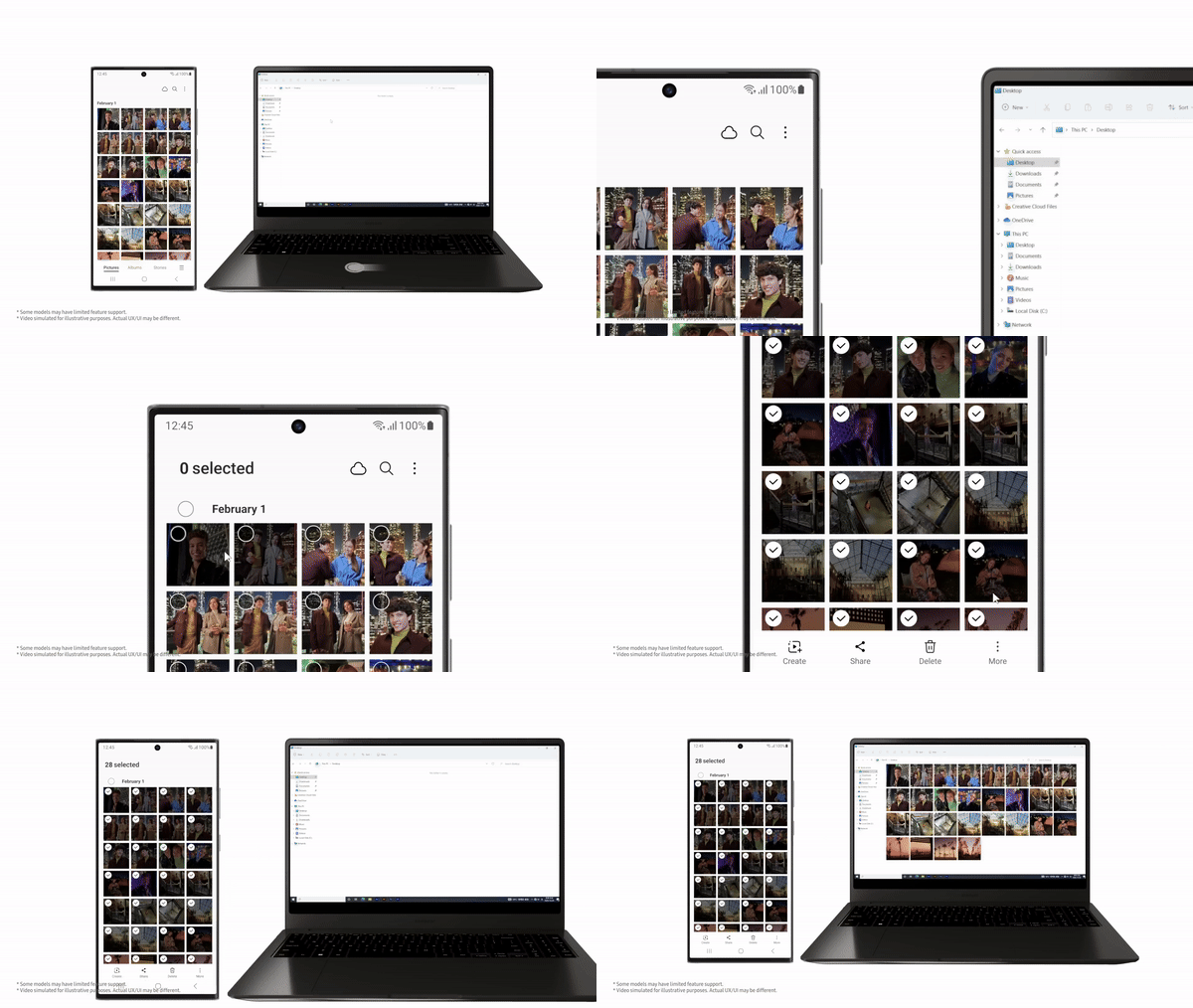
When you combine the above apps, you deliver convenience and simplicity to your customer like you can’t find anywhere else on the market. Whether the user is working from home, in the office, or on the go, connecting is a breeze. Thanks to Multi Control, you can type messages on a Galaxy smartphone via the keyboard of the Galaxy Book, and drag files from the phone into a presentation on the laptop. Without delay, without waiting time.
And do your customers want to share files, photos, and videos with users who aren’t already using Galaxy devices? That is also possible. With Quick Share, they can easily share files with people who use Windows computers, or Android tablets and smartphones.
Smart devices are often directly associated with a Smart Home. From the thermostat to the television, everything can be controlled via a smartphone or tablet. The Samsung SmartThings app brings all these devices together in one ecosystem, which can be controlled from any Galaxy device. This is also an ideal solution for your customers in business, for example in retail, healthcare or office environments.
By using preset programs, you can ensure, for example, that the lights turn on at the right time in the store, that the heating starts at the right times and that the digital signage can be easily operated. The SmartThings application is compatible with almost all Samsung devices, but also with many devices that are not from Samsung. From air conditioning to doorbells, and from lighting to security, Samsung SmartThings makes it all a whole lot smarter.

All the smart features of the Samsung ecosystem are powered by Samsung Galaxy devices. Discover them below:
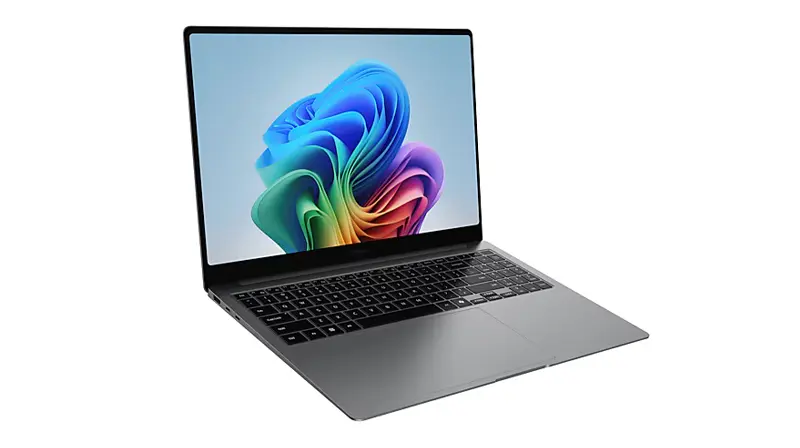
The quality of Samsung Galaxy extends to notebooks, which integrate seamlessly with smartphones and tablets within the Galaxy ecosystem.

Samsung Galaxy smartphones are not only the perfect partner for consumers, but their flexibility and versatility also make them a powerful tool in the workplace.

Ruggedized, with a pen included, or designed to connect private and business use for home users—Galaxy tablets offer something for everyone and are available at every price point.