
Short, powerful videos
That make Copilot easy to understand



Many organizations work with Microsoft 365 but only use a small portion of what the platform can truly offer. WorkplaceBuddy helps your customers discover the full potential of Microsoft 365 – step by step, engagingly and accessibly. You remain their trusted partner, while WorkplaceBuddy does the heavy lifting. Wondering how it works and how it benefits you? Keep reading.
In busy work environments, employees often lack the time to explore new tools. They stick to what they already know, and anything that looks technical or complex tends to be avoided.
Tools like OneNote, for example, are often underused, while they can serve as a central digital knowledge hub for notes, collaboration, and followups. Or consider SharePoint: many organizations only use it as a “document folder,” even though it can be a dynamic intranet, knowledge base, or team hub.
Whether it’s OneNote, SharePoint, Copilot, or any other Microsoft 365 app, most users only leverage a fraction of what they pay for. WorkplaceBuddy offers an approachable way to build handson experience with these tools through gamification and guided learning.
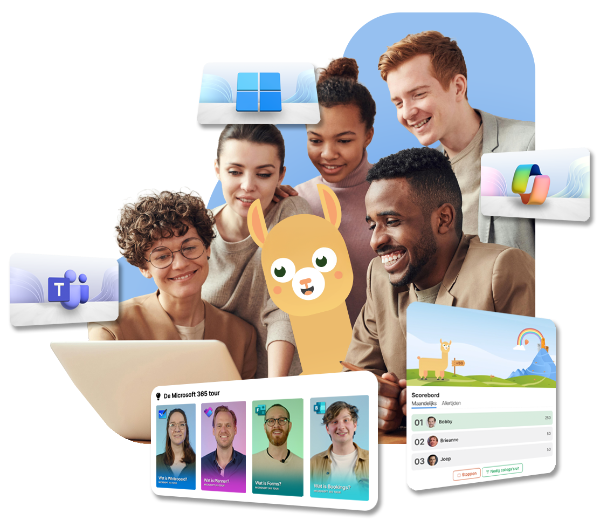
Activating Copilot is easy but driving real adoption is the challenge. By implementing WorkplaceBuddy inside your own organization, you immediately experience the benefits:
That make Copilot easy to understand

That activate teams with practical tasks

That help partners build AI agents and workflows

To support safe working practices
This complete journey, from activation to longterm usage, is fully supported. You become a Copilot professional yourself, and your customers’ end users grow into the same level of confidence. It’s a winwin: higher internal efficiency and a strong sales argument for more Microsoft 365 licenses.
Want to explore WorkplaceBuddy before promoting it? No problem.
Activate WorkplaceBuddy today and use the application free of charge within your own organization until June 30. Once you enable WorkplaceBuddy, you can also offer your customers two months of free access.
This allows you to test the app riskfree, understand exactly what you’re selling, and immediately start building a pilot.


It’s easy add WorkplaceBuddy to your own offering. You will receive access to a dedicated partner portal where you can independently create and manage customer environments. In this portal, you can also monitor your customers’ progress and maintain insight into their usage. This allows you to remain the trusted partner for your customer, while WorkplaceBuddy takes care of the adoption support. Your registration via the registration form will be forwarded to WorkplaceBuddy, who will then begin the onboarding process.
Through TD SYNNEX, we handle the sale of WorkplaceBuddy licenses via the same trusted environment you already use for your Microsoft licenses: StreamOne. On this platform, you can find the licenses for all your customers in one place, along with important information such as tenants, license terms, and options for renewals and upgrades – all in a single dashboard.
On March 19, we are hosting a webinar that will show you how to accelerate the value you get from Copilot Chat with the help of WorkplaceBuddy.
During this session, we will guide you through your Journey to AI, explore smart ways to make the most of Copilot Chat, and demonstrate how WorkplaceBuddy makes adoption incredibly accessible. Our experts Jorijn de Munnik and Olga Shakalei will lead the webinar, and Sjoerd Koolen, CEO of WorkplaceBuddy, will share the story behind the platform.