Adobe AI Assistant

The AI Assistant feature uses AI technology to understand your questions and provide responses based on the content of your PDF file. The generative summary feature uses AI technology to provide an overview of the document’s organization and content.
What?
Turn your documents into action with AI Assistant.
AI Assistant empowers your team to quickly turn documents into action. Typical knowledge worker tasks are done almost 4x faster with AI Assistant than with traditional methods. AI Assistant is easy to use, follows responsible data security practices, and is easy to deploy. AI Assistant can be used with almost any document format and works across one or many documents, including scans and meeting transcripts.
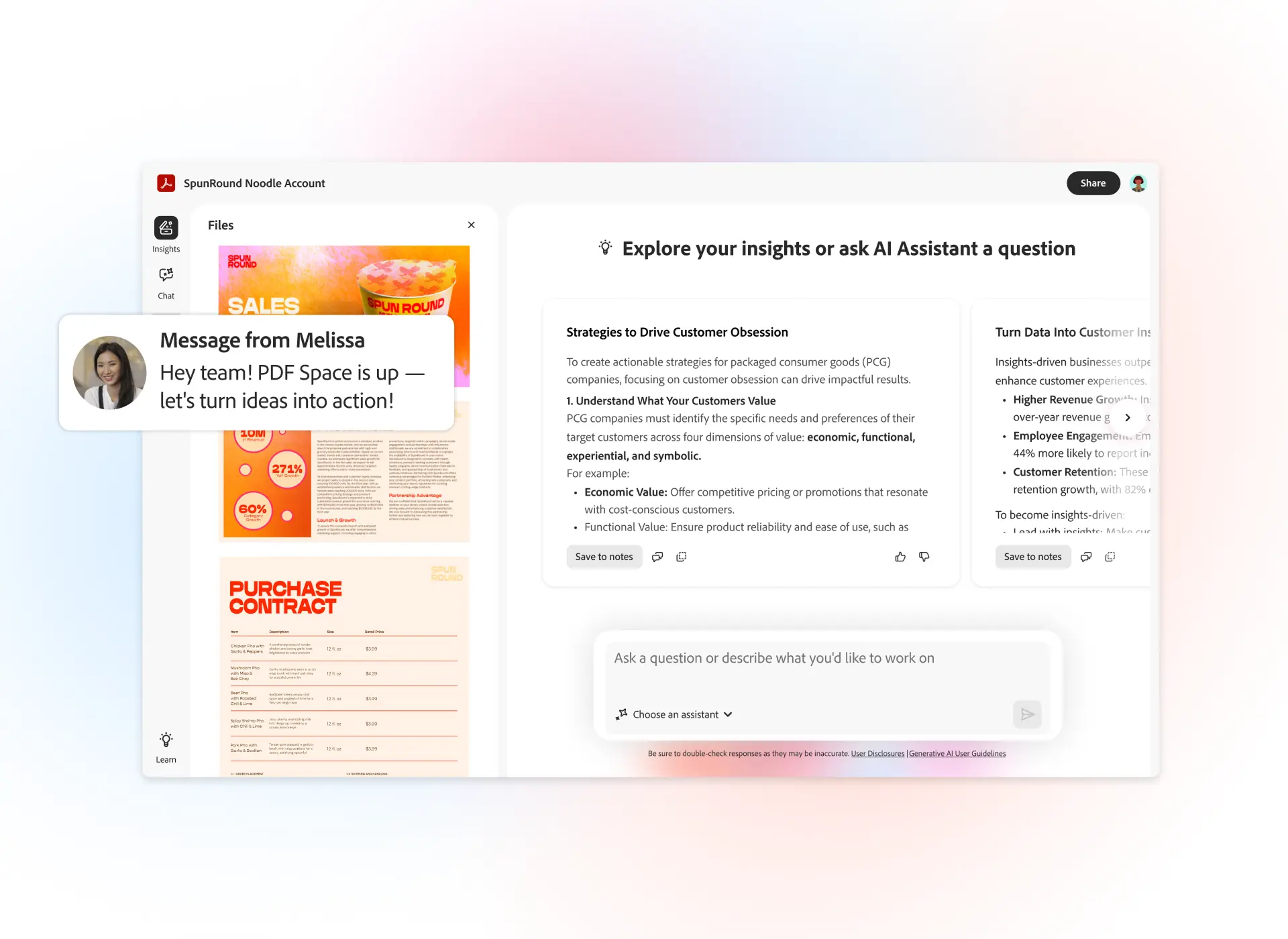

AI Assistant is designed for documents.
The generative AI features in Acrobat were built on Adobe’s unique expertise of PDF structure and content. The ability to deeply understand PDFs enables AI Assistant to analyze and surface insights from digital documents with greater precision and will allow us to continue to refine the outputs in the future.
AI Assistant can help reduce time spent on tedious and time-consuming tasks. Compare and interact with multiple, large files at once to capture themes and insights. Get help simplifying complex documents and contract terms with suggested prompts and questions.
Key benefits
AI Assistant can help create a first draft of content for emails, blogs, presentations, research summaries, and more from marketing materials and reports. Extract key data and insights from industry reports, and ask AI Assistant to create tables or perform calculations.
Getting started with AI Assistant is fast and easy. Deployment only takes minutes, delivering fast time to value. Users will get instant access to AI Assistant integrated within Acrobat where they are used to consuming and editing PDFs. AI Assistant will only look at the documents you tell it to, providing streamlined AI data governance
Contact one of our specialists