Start meetings directly
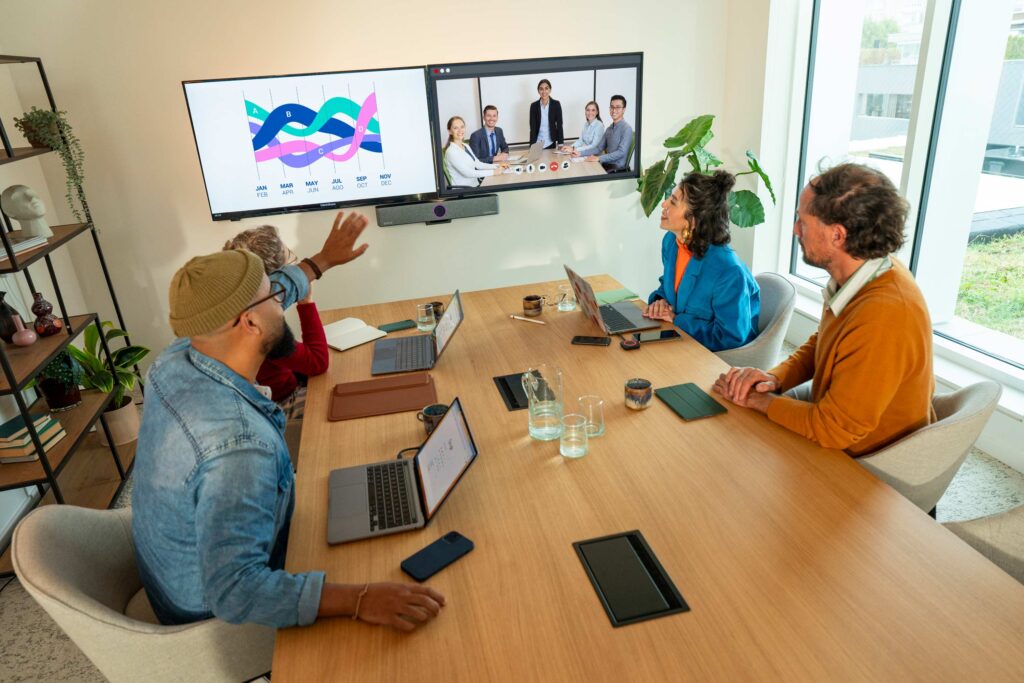
Use your laptop to start a video meeting and take advantage of Neat’s premium camera and audio.

Barco continues to evolve to make hybrid collaboration and meetings even smarter and more efficient. This month, we are introducing new features, product improvements, and strategic partnerships that elevate the user experience to a higher level. From AI-driven SmartFocus technology to the ClickShare certification of Neat Bar 2 and Neat Bar Pro – discover what’s new and how these updates enhance your meetings!
SmartFocus is an AI-driven feature that makes hybrid meetings more inclusive by automatically optimizing the right camera angle and audio settings.
With SmartFocus, everyone feels engaged, whether they are participating on-site or remotely!
Learn more about SmartFocus: ClickShare smart meeting flows – Barco
Barco and Neat are joining forces to make hybrid meetings simpler and more flexible. Thanks to the ClickShare certification, the Neat Bar 2 and Neat Bar Pro now work completely wirelessly with ClickShare Present and ClickShare Conference. This integration provides a seamless and high-quality meeting experience, perfect for businesses of any size!
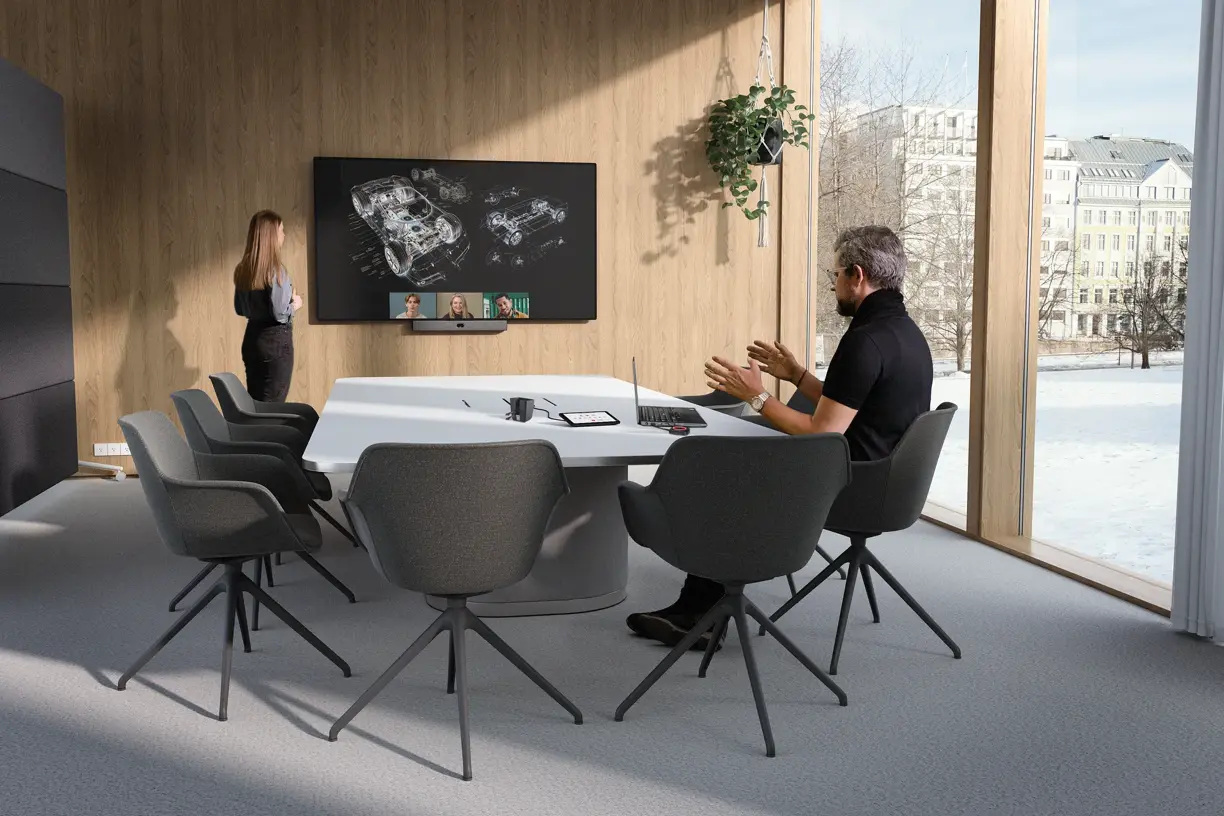
Use your laptop to start a video meeting and take advantage of Neat’s premium camera and audio.

Easily switch between different video conferencing platforms without technical obstacles.

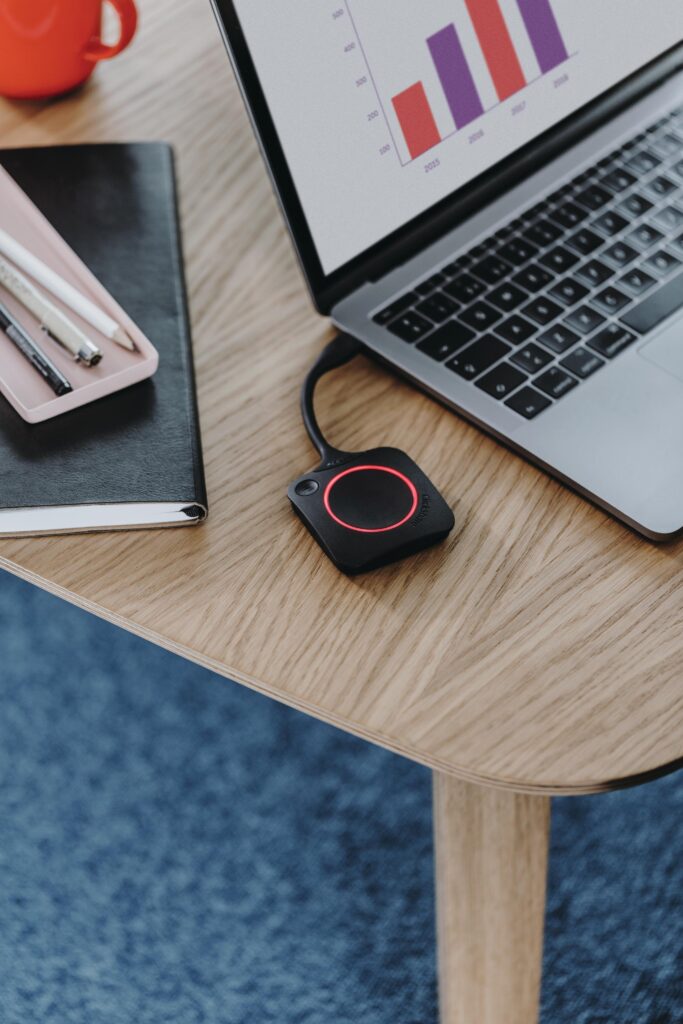
No hassle with cables – just intuitive collaboration.
Regular firmware updates ensure that your Barco ClickShare system always performs optimally. With each new release, functionalities are improved, security is strengthened, and the user experience is optimized. Whether it’s better compatibility, faster performance, or new interactive features, an up-to-date system guarantees a smooth and efficient meeting experience.
Read here about the latest features of firmware update 2.22
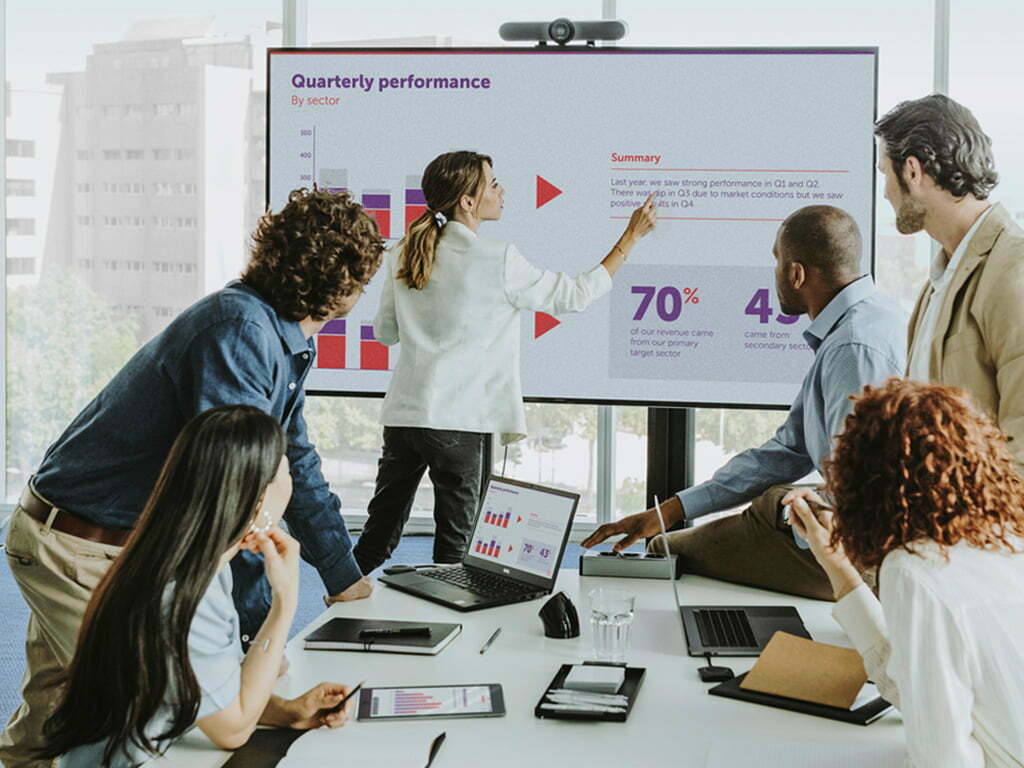
The ClickShare firmware update 2.22 introduces multi-touch support for touchscreens, making hybrid meetings even more intuitive. Teams can now collaborate more naturally with features such as:
With support for up to 10 simultaneous touches, meetings feel even more dynamic, without interruptions or switching between devices.
Available for: ClickShare CX-30, CX-50 Gen 1 & Gen 2 (requires Desktop App 4.42 and ClickShare Button).
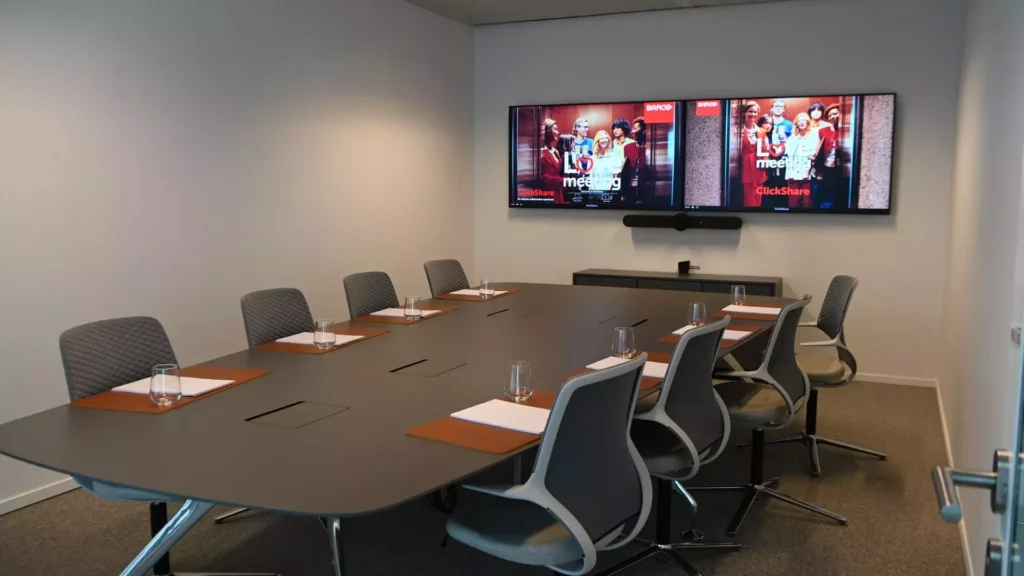
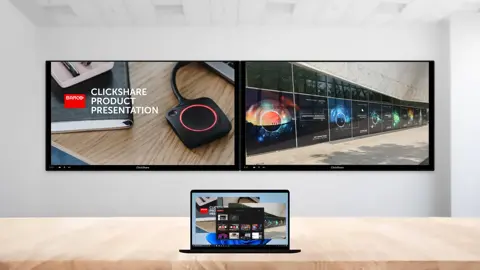
With the latest update, dual content sharing is now also available via the ClickShare Button!
This update makes presenting easier and more efficient for hybrid meetings!
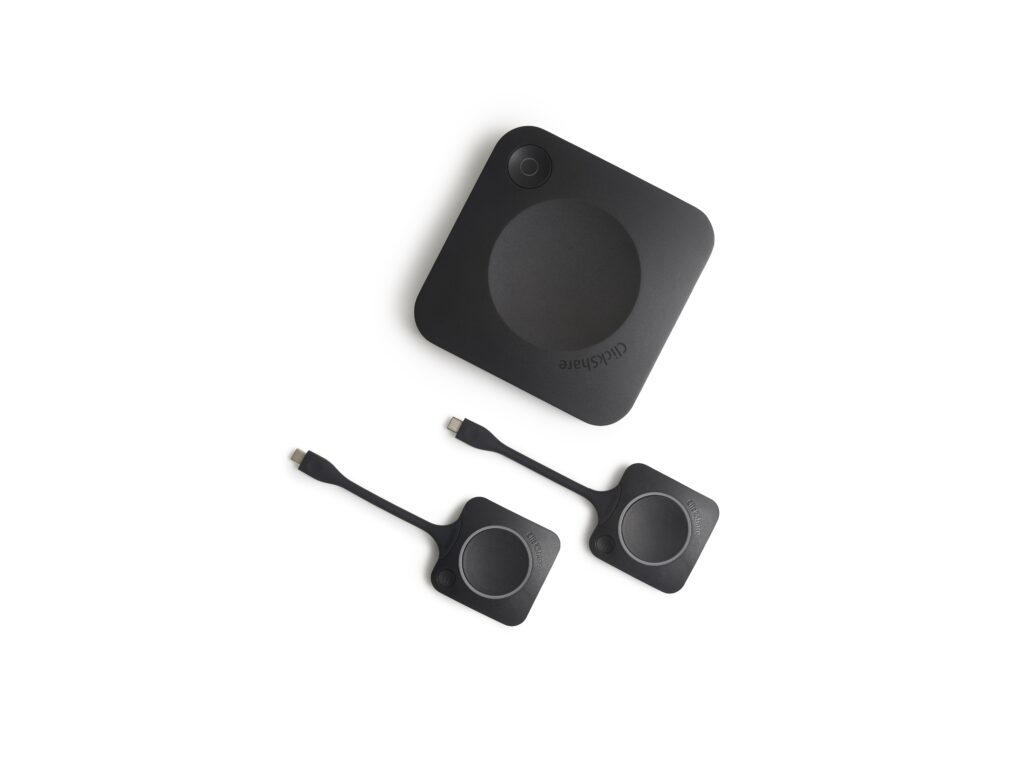
ClickShare consists of various components: Base Units, Buttons, Apps, and the XMS Cloud management platform. Ensure that each part is up-to-date for the best user experience.